Prepare the hardware
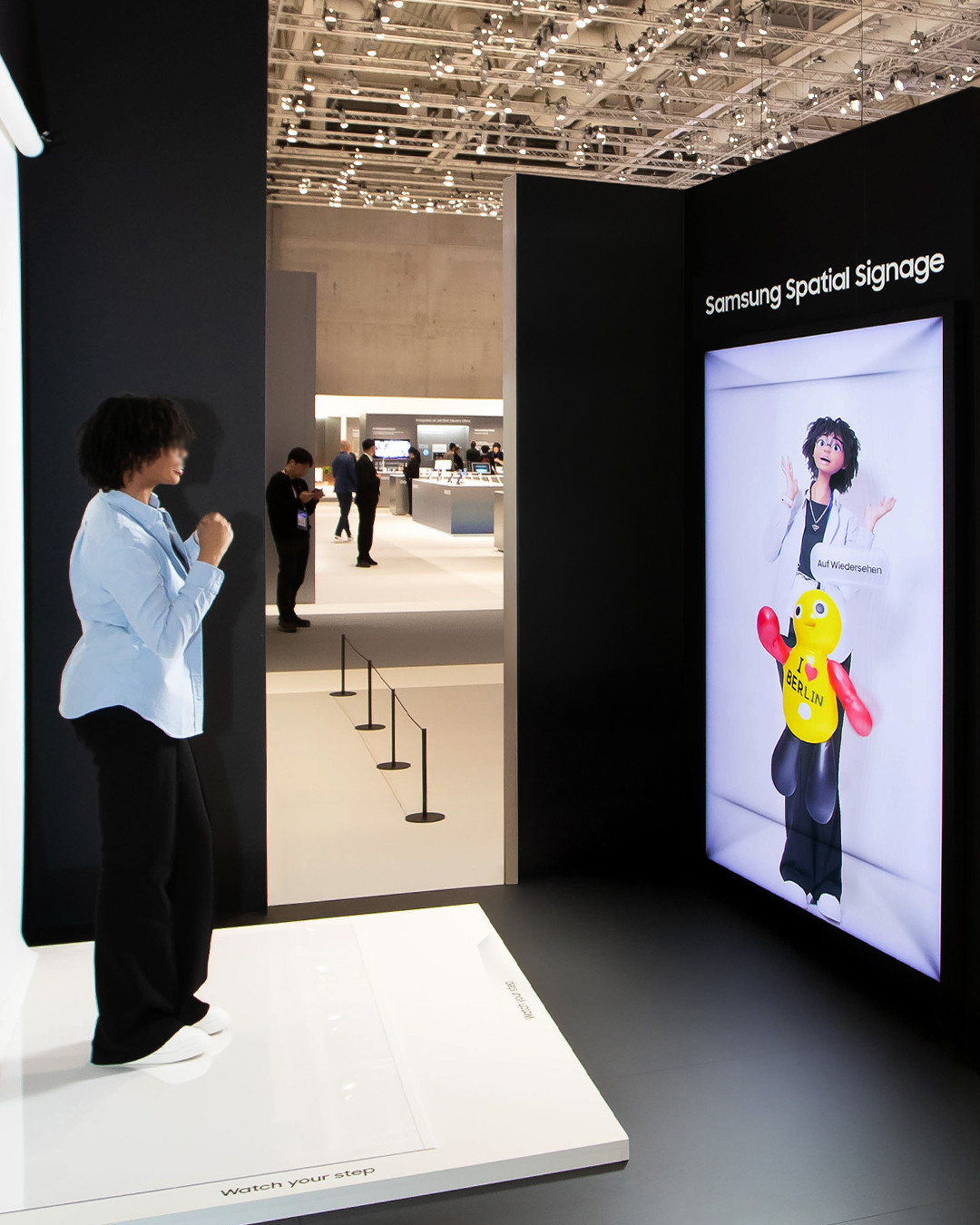
Connect a Logitech C1000 4K camera, a compatible Windows computer and a portrait display for holographic or spatial output.
 TRANSLOOK SYSTEMBack to website ↑
REMOTE TESTING AVAILABLE
Prepare a camera, a compatible computer and a portrait hologram or spatial display. Our technical team can connect remotely to complete installation and guide your Translook System test.
Choose either tool. Both are free and can be used for secure remote screen sharing. No download from another Translook website is required.
Lightweight and stable remote control software, recommended for most users.
A widely used remote assistance tool with high compatibility, suitable as an alternative for corporate networks.
If the filename ends in .exe.bak, rename it to .exe by removing the final .bak, then double-click the file to run it.
The computer must use a supported NVIDIA graphics card. AMD integrated and AMD discrete graphics are not supported.
WhatsApp: +44 7845 698988 · Monday–Saturday, 9:00–18:00 (UTC+8) · Remote technical service available in English.